eerie leap / gefera
Gefera, the app
Gefera is where an Eerie Leap system is set up. Every input, message, gauge screen and logging rule is a setting you change on a desktop or a phone and write to the unit over Bluetooth.
what you do in it
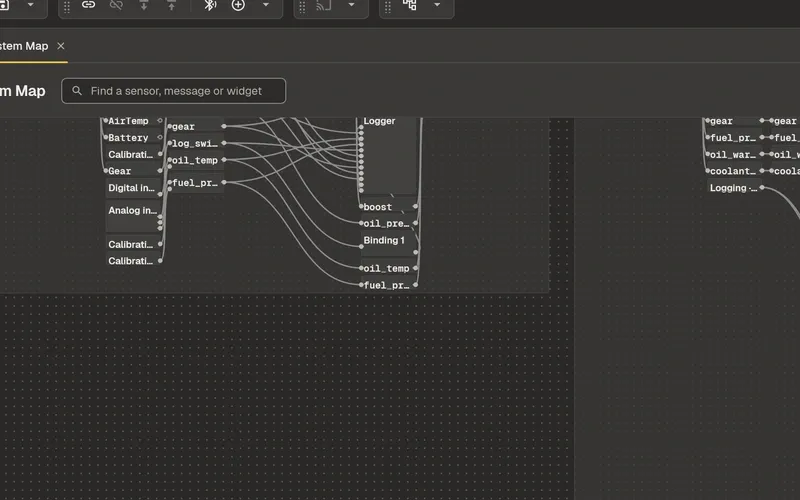
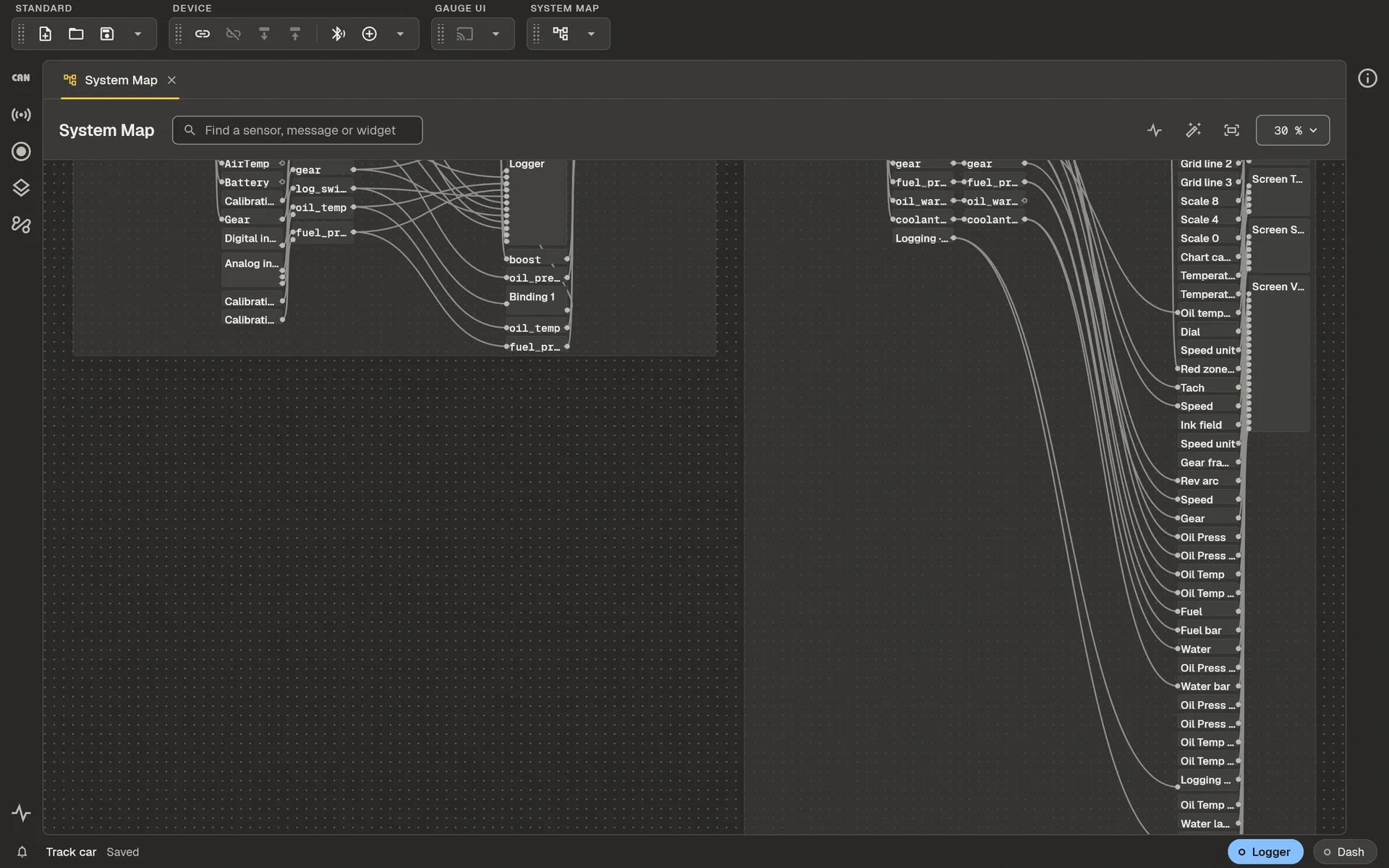
see the whole system on one map
Every unit, input, message, sensor, logger and gauge widget, and what is wired to what.
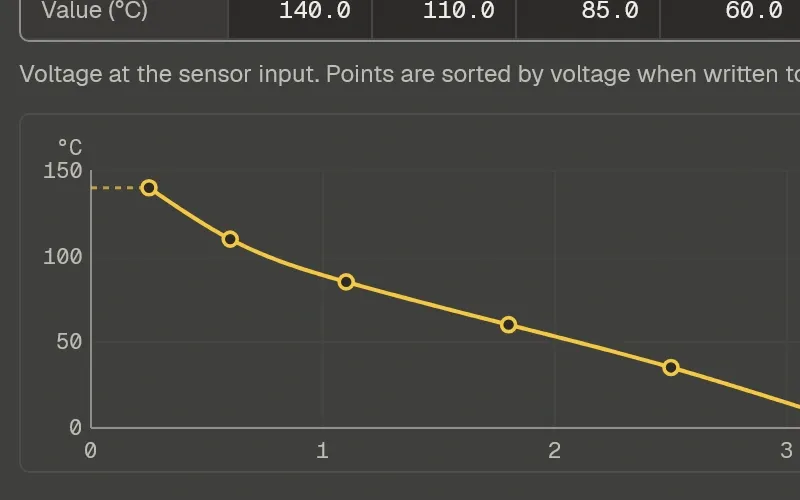
set up sensors
Analog inputs with calibration tables (LUTs), digital inputs, CAN signals, math expressions and Lua scripts.
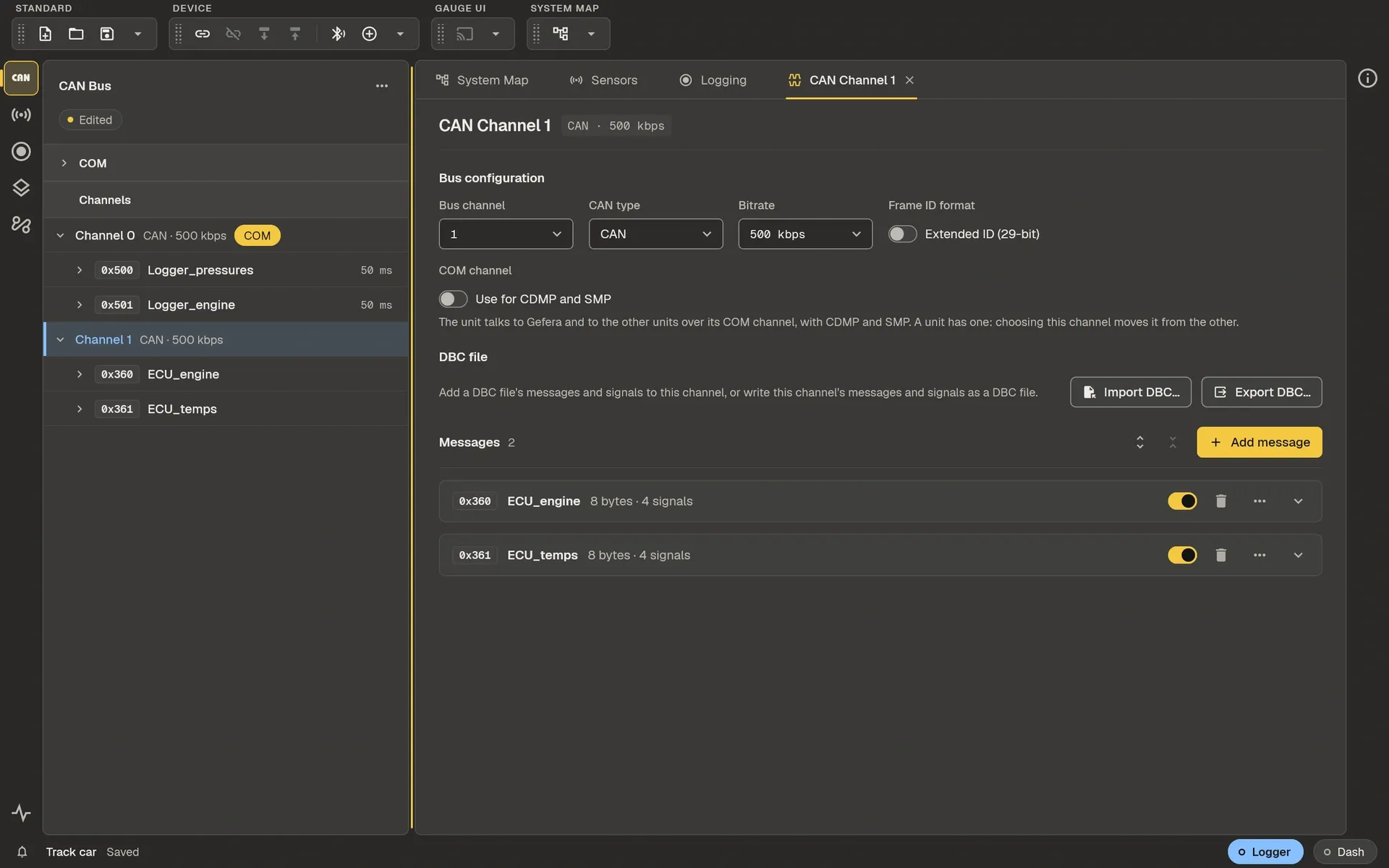
set up the CAN bus
Channels, messages and signals, with DBC files in and out.
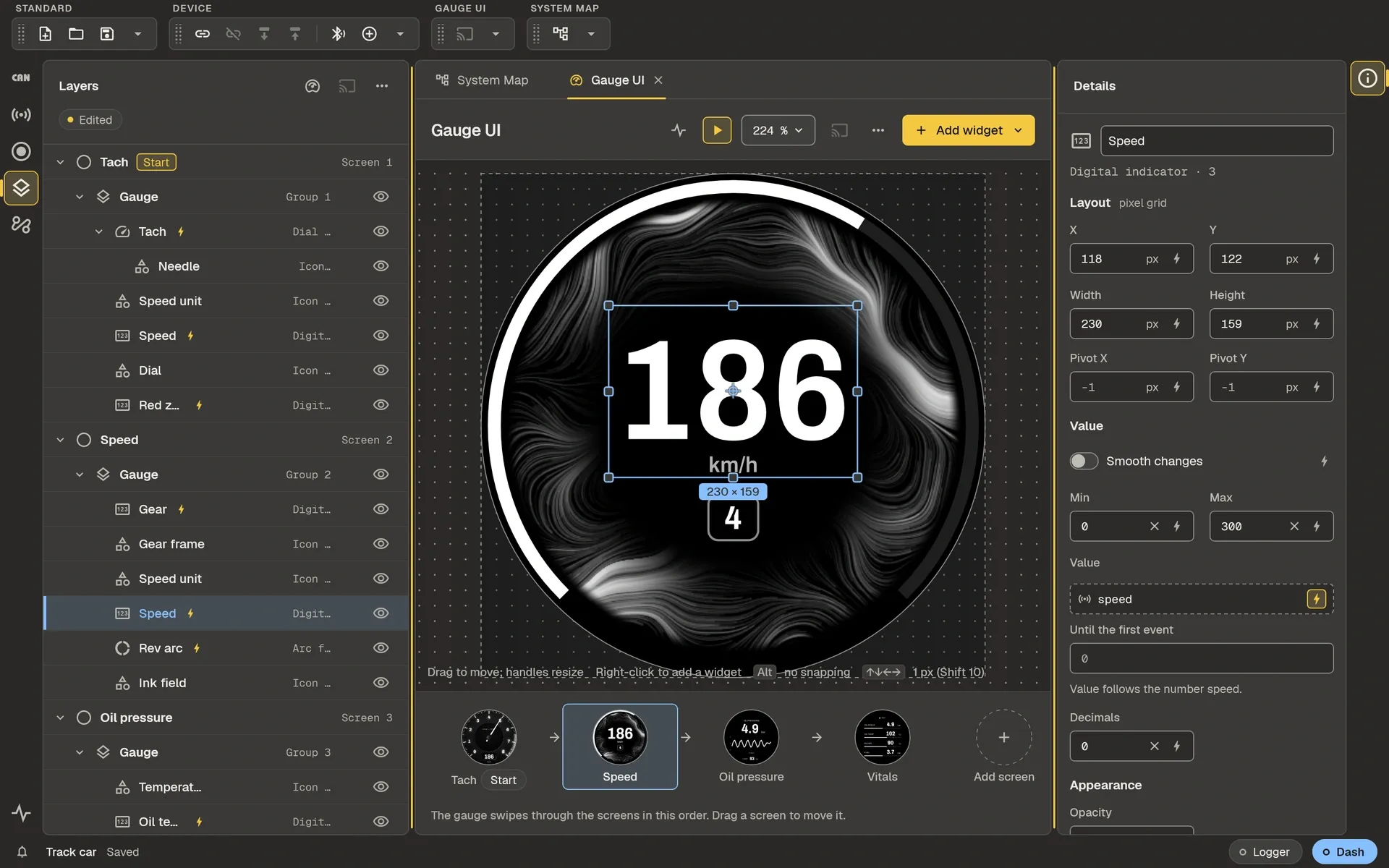
design the gauge
Screens of dials, readouts, charts and pictures, bound to sensors.
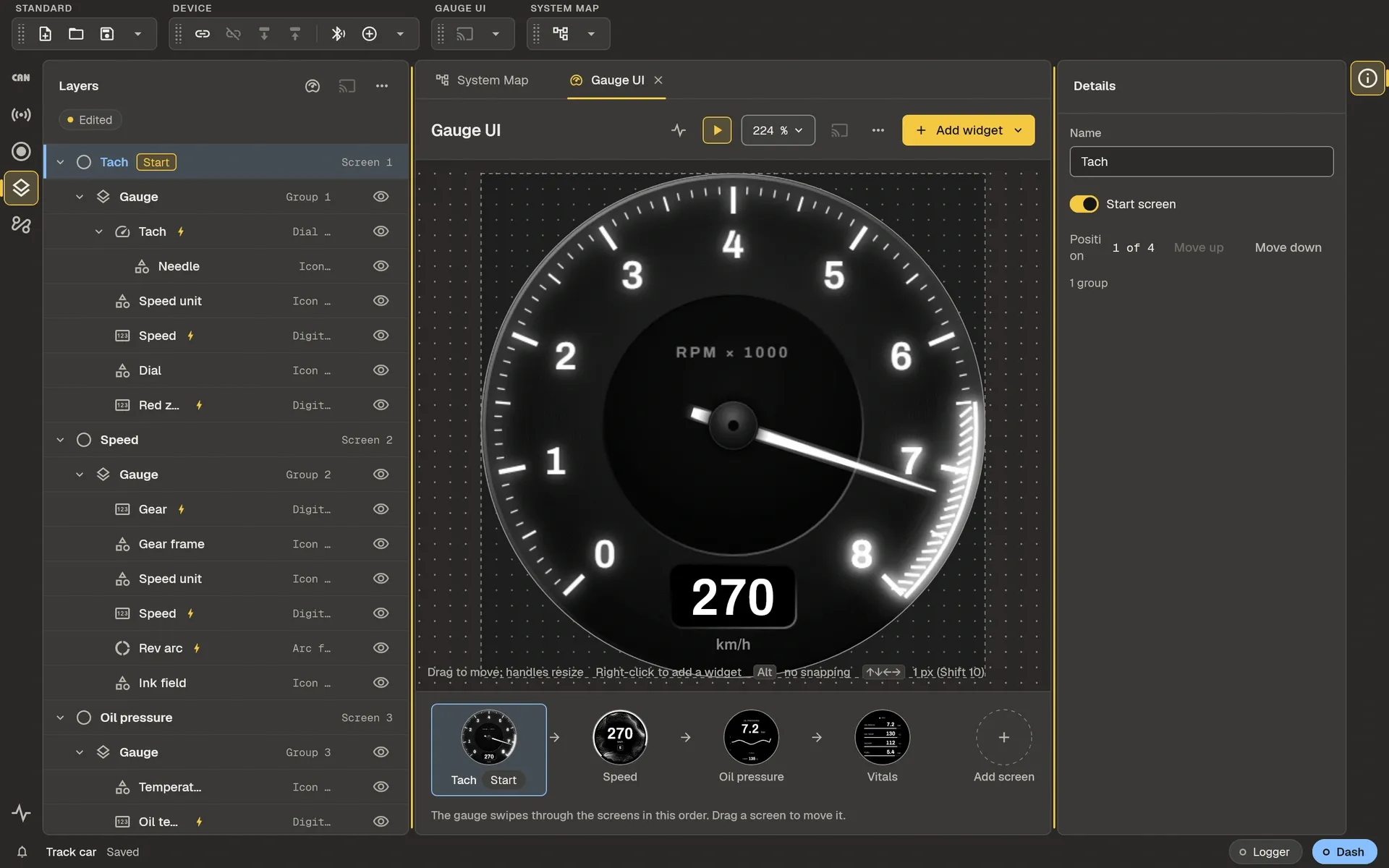
try it before it is in the car
A preview value moves every dial and readout on the canvas.
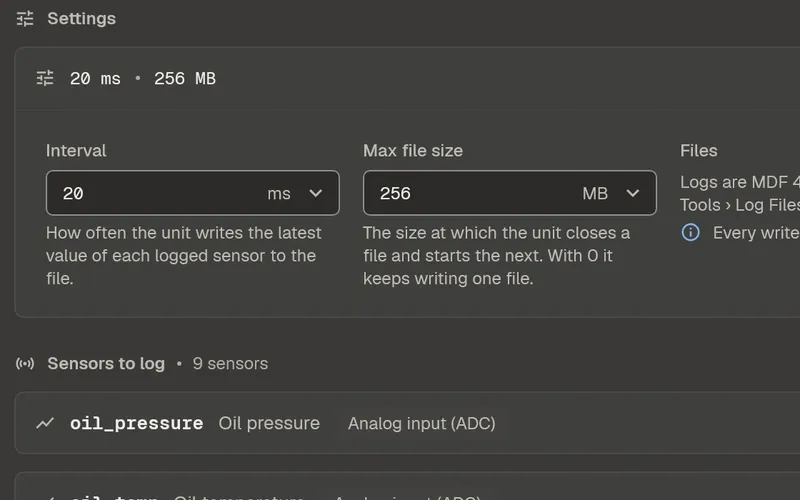
choose what is logged
Which values, how often, and what starts and stops it.
and also
plot the logs
MDF4 files from a unit or from any other tool, with cursors, several logs laid over one another, CSV export and live plots.
update the units
Firmware updates over the air, through the app.
one project file
Every unit of a car and all its settings in one file, which opens on the desktop and on a phone.
at a desk, and beside the car
The desktop is for designing. The phone is for the moment you are standing at the car.
where it stands
Gefera for desktop
For Windows, macOS and Linux. Built; the first release is not out yet.
builtGefera for phones
For Android and iOS.
in development